AI PowerPoint Add In for
Professional Presentations
Create and format slides with our PowerPoint AI tools
and deliver professional slides 10x faster
Used by professionals in leading organizations to speed up their work








Advanced AI models, built directly into PowerPoint
Design, write, and visualize—without leaving PowerPoint. Autoslide integrates advanced AI models for text generation, image creation, and slide design directly into your workflow.
Text Refinement
Refine slide text, summarize bullets, and expand ideas using LLMs.
PowerPoint
Seamless Integration
Visual Generation
Generate supporting visuals and images using diffusion models like Flux.
Adaptive Logic
Intelligent layout engine adapts to your content density.
Professional PowerPoint templates inspired by real consulting decks
Access a growing library of professional slide templates designed for complex ideas. Our layouts are inspired by real consulting presentations and optimized for strategy, analysis, and executive communication.


Fast, precise editing with consulting-grade shortcut tools
Edit slides with the speed and precision used by top consultants and investment bankers. Autoslide includes a set of productivity tools designed to reduce manual formatting and repetitive adjustments.
Smart Alignment
Automatically align and distribute objects relative to the slide or each other with a single click.
Consistency Check
Instantly scan for and fix font sizes, colors, and bullet styles across your entire deck.
Structure Assistant
Swap object postions. Add rows and columns of objects with a single click.
Key Features
Discover how AI transforms your PowerPoint experience
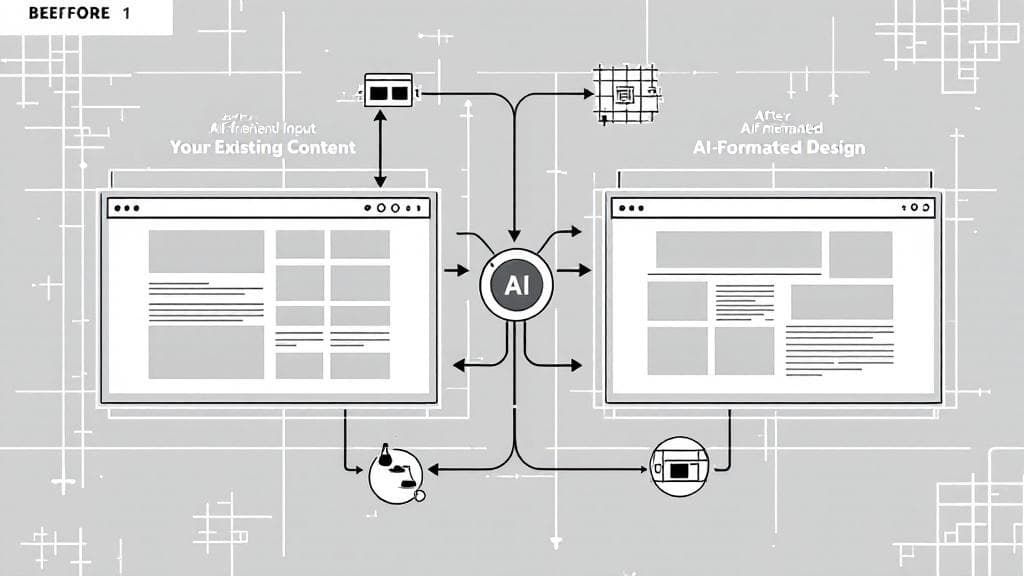
AI Slide Formatter
- Make your slide look better with AI assistance
- Use your existing content as a starting point for AI enhancement
- Generate improved slide layouts that follow design best practices
- Optimize graphics placement and layout automatically
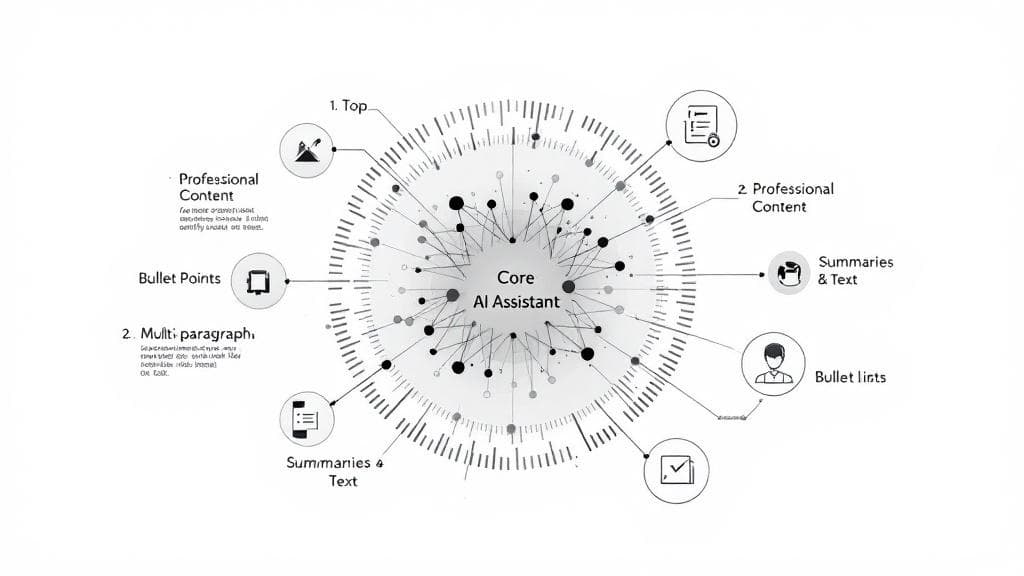
AI Content Generation
- Generate professional presentation content with AI assistance
- Create perfectly formatted bullet points with one click
- Produce executive summaries and paragraphs automatically
- Use AI to generate high-quality images
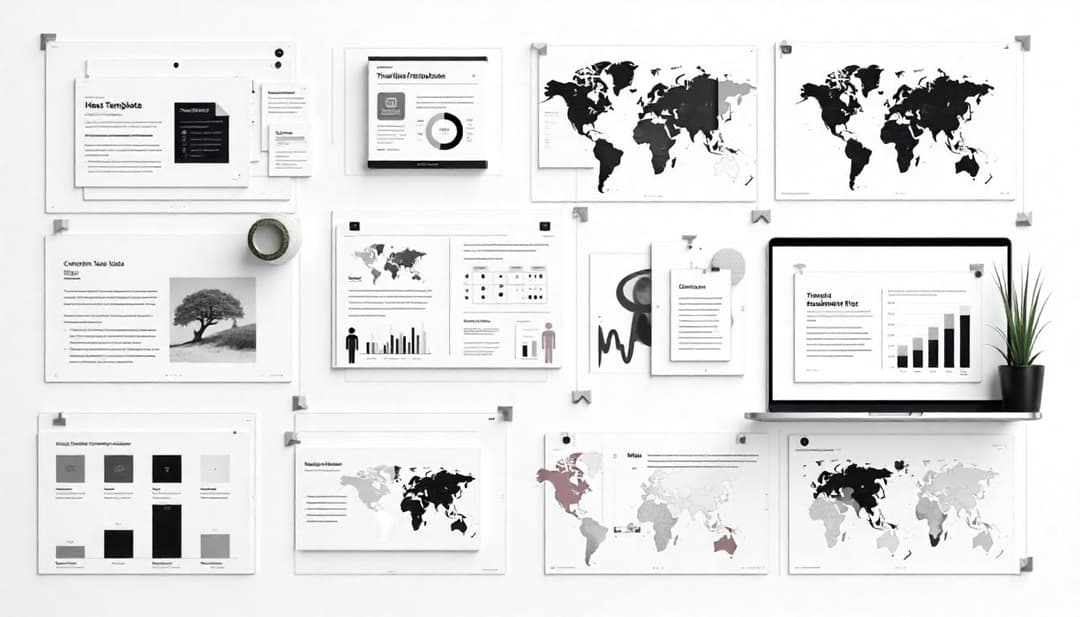
Presentation Resource Library
- Access a comprehensive library of PPT design elements
- Choose from over 1,500 consulting slide templates
- Utilize more than 10,000 icons to enhance visual communication
- Incorporate 1,500+ maps for geographic data visualization
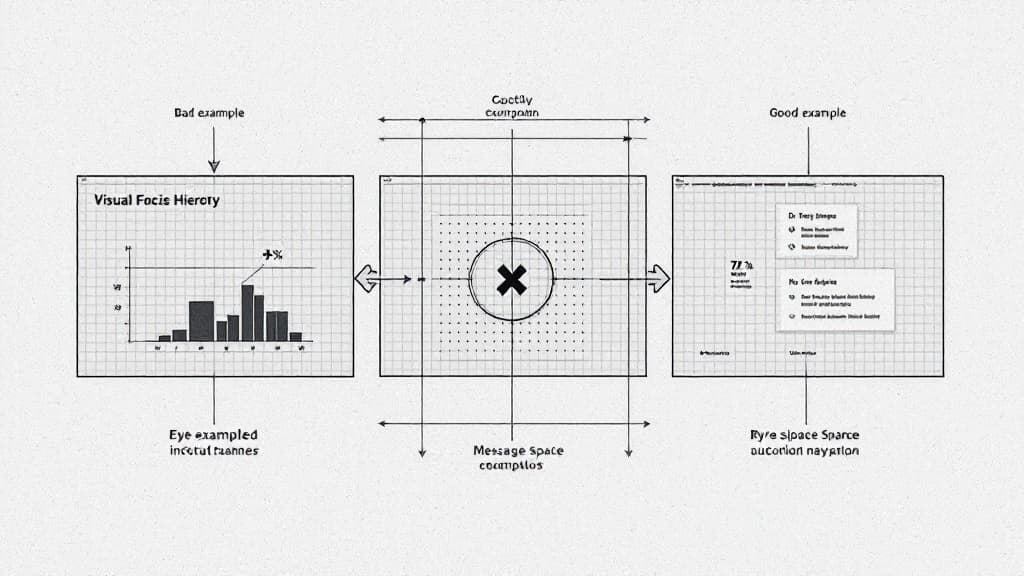
Formatting Shortcuts
- Use improved shortcut buttons to format slides
- Export to PDF, Replace All Fonts, Generate Theme Colors
- Set Superscript and Underscript, Split textboxes, Smart Align
- Convenient Coloring with Color Pane, Make Image Greyscale
- And more..
Why Choose Us?
Benefits of our PowerPoint Add In.
Build Slides Faster
Use AI to create PowerPoint slide layouts, refine slide layouts. Let AI generate presentation outlines, paragraphs, and images.
Learn moreIntuitive AI Experience
Write prompts directly in native PowerPoint shapes and textboxes. Let AI finish your ideas, without switching windows.
Learn moreUnlock Stunning Visuals
Explore high-quality resources built into our library including 1000+ slide templates, 10000+ icons, 1500+ maps, and more.
Learn moreBuilt for Professionals
Used everyday by professionals in consulting, investment banking, private equity and corporate marketing.
Learn moreBlogs and Insights
Stay updated with the latest presentation tips, AI market insights, and product updates.
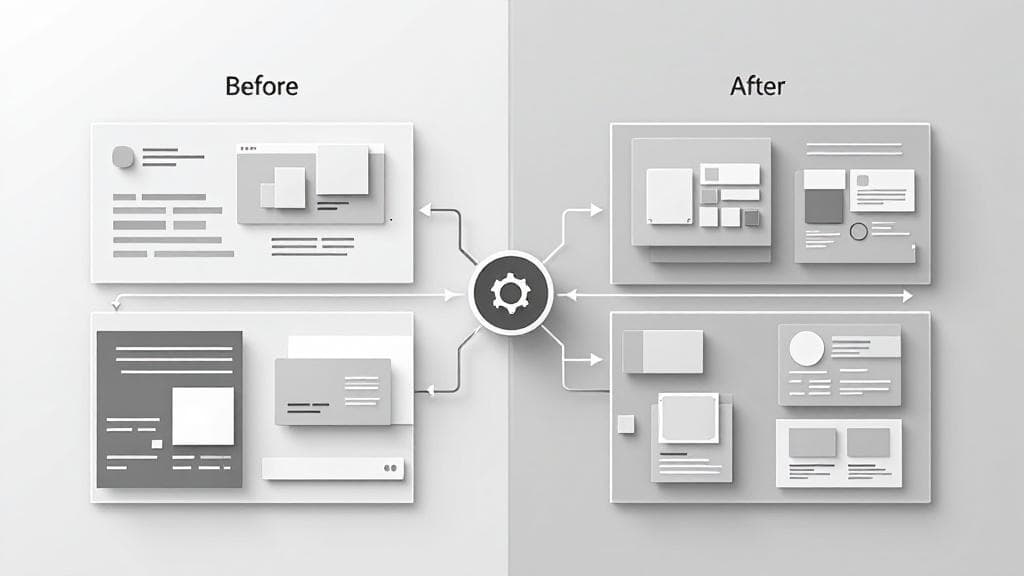
Introducing the New AI Slide Layout Design and Improvement Feature
The new AI slide layout design features uses a robust image generation approach to meet professional slide creation needs.
1/20/2026

V1.3 Release Notes
Autoslide V1.3 is now released.
1/19/2026
Introducing Two Powerful New Tools on Autoslide: PPT to Word & PPT to Text
Convert your PowerPoint slides into polished Word documents or extract clean original text with high accuracy.
11/26/2025
Frequently Asked Questions
Find answers to common questions about the Autoslide AI PPT add-in.
How can I download and install AutoSlide?
Just click the Get AutoSlide button from our website and you will be directed to receive the download package. Aftering unzipping the package, click setup.exe to run the installation.
How can I activate my license?
After getting your license and successful installation of Autoslide toolbar, click the Your Account button located at the rightmost section of the toolbar. Input your license and restart PowerPoint to activate your license.
Can Autoslide be installed on my company PC?
Yes, installation does not require administraive previlages.
How is Autoslide different from other AI PowerPoint tools?
We offer AI features at the slide level, not presentation level, to help you with slide layout design, content generation, and more. Plus, all of the formatting-shortcut functions (besides the AI functions) runs locally.
Is AutoSlide available on both Mac and Windows?
No, currently only Windows platform is supported. AutoSlide requires PowerPoint 2016 or later and an internet connection to use some of its features. We will introduce Mac version soon.
Is there a free version available?
No, but we offer a 7-day free trial. You can download the trial version from our website and use it to explore all features without any limitations for 7 days.
What are the AI PowerPoint features in Autoslide?
Autoslide includes AI-powered slide design, content generation, and slide formatting tools specifically for PowerPoint. Our AI features help you create professional slides with text prompts, generate content, and design visuals directly within PowerPoint.
How does the PowerPoint addin installation work?
Autoslide installs as a native PowerPoint addin, adding a dedicated ribbon tab to your PowerPoint interface. After downloading and running setup.exe, the addin will appear in PowerPoint when you next open the application.
Get Autoslide Today
Create professional slides in seconds. Autoslide makes PowerPoint easier and faster. Try it and speed up your work today!